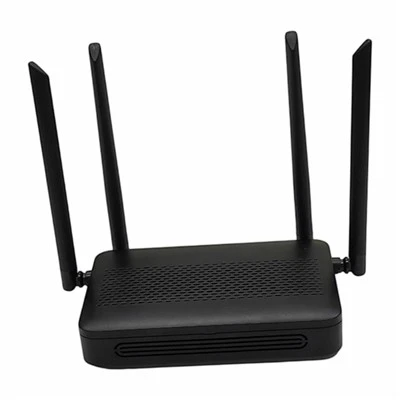
Wireless Router Wireless Settings
Leave a message
1. SSID
SSID (Service Set Identifier) is the identifier for a wireless network, used to distinguish wireless devices within that specific network. All workstations and access points must use the same SSID to communicate with one another. An SSID consists of up to 32 characters and is case-sensitive. It can be anything from a physical location identifier or a personal/company name to a department name or a preferred slogan; however, using non-English characters may result in garbled text or connection issues on certain devices.
2. Channel
A channel (or frequency band) is a transmission path for data signals carried by wireless waves. Wireless broadband routers can operate on various channels. Wireless devices located in close proximity to one another should operate on different channels to avoid signal interference. If you are using only one device, the default channel setting (usually Channel 6) is likely the most suitable. Unless there is a specific reason to change the channel-such as interference from Bluetooth devices, microwave ovens, mobile phone towers, or other access points in the area-it is recommended to use the factory default setting.